
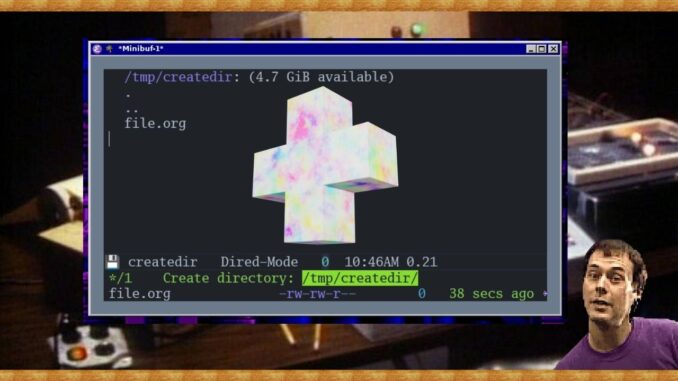
In the last article in the series, we talked about deleting files, which is scary and sad. In this article, I’m happy to change topics into creation territory as we learn how to create directories in the UNIXy way and the Emacs way.
Which way is better? I leave that up to you, but you should know both, because context matters, and there be times when you need one because the other one might not be available.
Remember, in your computer everything is a file, even directories are files that point to other files.
So let’s get into it.
Also, be sure to check out my DRM-free eBooks for your open source enjoyment (OSE):
UNIX Way
I’ve never been a big fan of the mkdir (make directory) command in Linux. I like what it does, but it’s a bit too long. It’s not as sleek as the rm, mv, and cp commands. Nevertheless, it perfectly does what it needs to do—make directories.
mkdir new_directory
mkdir -p path/to/nested/directory
Emacs Way
In this instance, I do prefer the Emacs way. All you need to do is open up dired by your preferred method, and press the + sign. Easy. Now you have a new directory.
You also have an interactive M-x make-directory (or M-x mkdir) function if you prefer that.
Likewise, if you have to create new file with a directory that does exist, Emacs will prompt you to create that directory.

Thanks for reading! You may also enjoy my DRM-free eBooks: Emacs For Writers and Git For Writers. You can also check out by books page for any updates on new projects or subscribe to my newsletter for occasional email updates.
Leave a Reply