
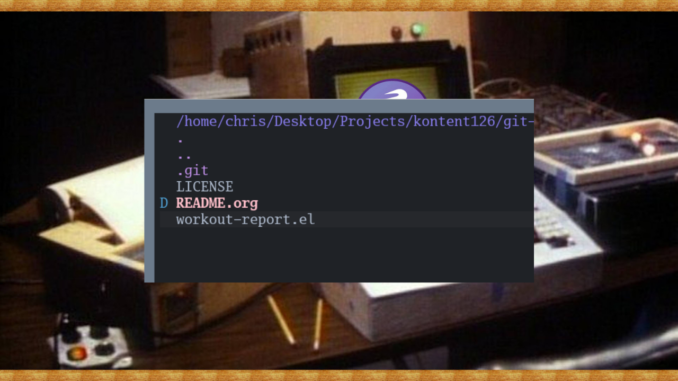
I know it’s scary, but sometimes you have to delete files, and once they’re gone—they’re gone. I guess that was why GUI systems invented the trash folder. The trash is a safe place to store files you want to delete, just in case you made a mistake.
In the UNIXy and Emacs worlds, once you delete that file, it’s gone, so you better have your story straight.
UNIXy Way
In UNIXy world, you can delete files with the trusty rm (remove) command, as follows:
rm file.txt
rm -rf directory/
Of course, once you have run that command, the file will be totally obliterated with no trace.
While you should never do this, you should be aware of the dreaded nuclear solution to delete your whole filesystem from the root level:
rm -rf /*
Emacs Way
The Emacs way of deleting files will also obliterate files entirely, but with dired you get the added safety of marking files first with the d key. Once you have made your selections, you can use the x key to execute the deletion operation
You can also use capital D for immediate deletion.
Likewise, if you wanted to run deletions interactively, you can run the functions directly:
M-x delete-fileM-x delete-directory
So that’s how you can delete files using your command line, in UNIXy world, or your “dired” directory editor in Emacs.
The variable `delete-by-moving-to-trash’ controls whether Emacs deletes files directly or moves them to the trash like any other Desktop application.
Most do not realize that Dired offers a dry-run feature using ! where you can see precisely what is going to do to your marked files before it does it. Showing all the command line execution. That might be worth an in-depth blog post.